Skip to content

Services

We start each service from the right scope.

For every engagement, we clarify the business need, process requirements, ownership, and sustainability first.

Digital menu product group

#

Em QR Menu and Emadmin support the same operation.

This product group makes menu experiences fast, multilingual, and manageable for restaurants, cafes, cafeterias, coffee shops, patisseries, dessert shops, kebab restaurants, steakhouses, doner shops, pide restaurants, pizzerias, ice cream shops, soup restaurants, local eateries, regional cuisine restaurants, bakeries, borek shops, simit shops, burger restaurants, toast shops, tantuni shops, eclair shops, buffets, soup kitchens, breakfast halls, tea gardens, hookah cafes, bars, hotels, catering companies.

Em Electronic Menu setup and support

Em is the mobile-first, offline-capable PWA menu guests open on their phone. We handle both the setup and the support that follows launch.

  • Category, product, variant, and fast search layout
  • 12 languages, theme system, table number, and QR sharing
  • Shortcuts for calling staff, Wi-Fi, reviews, and AI advice
Review details

Emadmin Digital Menu Management Panel

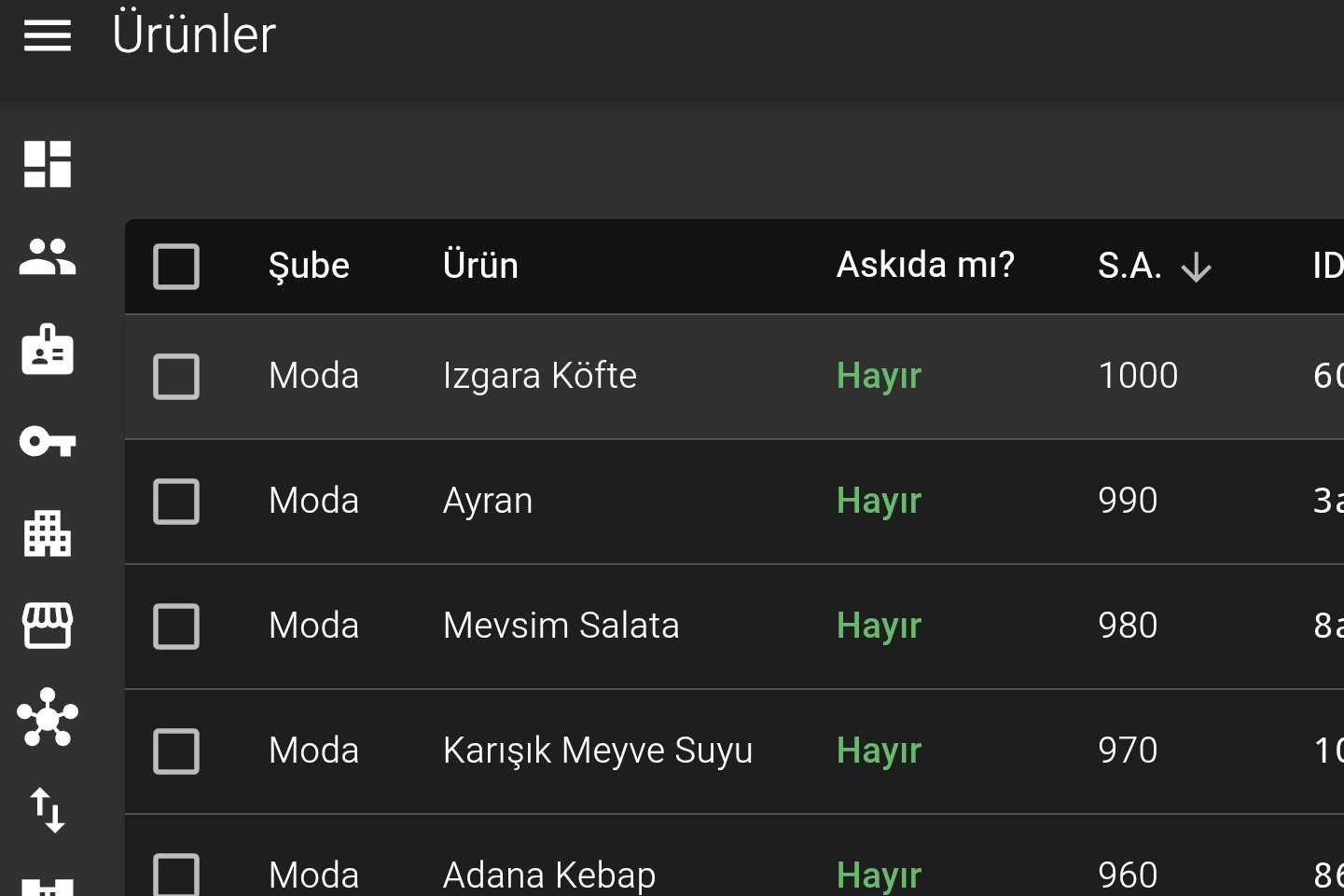
Emadmin is the separate panel service that manages Em content. Branch, category, product, variant, price, image, and 12-language content are updated from one place.

  • Branch-level content operations and role-based team access
  • One menu dataset feeding QR menu, print, Meta catalog, and AI menu output
  • Monthly, 6-month, or yearly usage plan by branch count
Review details

Digital menu management panel

#

Digital Menu Management Panel: Emadmin

Emadmin is more than a screen for product and price updates. Once menu data lives in one place, the same source also feeds print, imports, and channels beyond Em QR Menu. Three capabilities in the panel make that visible.

Emadmin template editor screenshot: printable menu page layout, field bindings, and print proof

Printable Menu Preparation with the Template Editor

The printed menu is prepared on the same menu data you publish on screen, not in a separate design file. In the template editor you define the page layout, category and product field bindings, and print geometry; in the print proof you review automatic pagination and adjust order and placement by hand.

  • Page templates, category and product field bindings, repeating row layouts
  • Manual ordering and placement adjustments on the proof after automatic pagination
  • CMYK conversion against the selected ICC profile; print-ready PDF/X-4 and per-page SVG output
Emadmin import screenshot: a transformation profile mapping source file fields onto target menu fields

Menu Import with a Customizable Data Transformation Profile

Whatever system and format your current menu lives in, it can be brought in by uploading a file, pointing at a remote resource, or pasting the content. Emadmin first profiles the source and recognizes its field structure, then applies the source-to-target conversion through a reusable transformation profile instead of a one-off converter.

  • Import from CSV, TSV, and JSON sources via file upload, remote resource, or pasted content
  • Field type, format, and role inference; similarity analysis against existing profiles and a profile suggestion
  • The same profile is versioned and re-run; unmatched data raises an explicit error instead of a silent result
Emadmin publishing screenshot: QR menu, Meta catalog, and AI menu files produced from the same menu data

Catalog Data for WhatsApp, Instagram, and AI Alongside Em QR Menu

Menu data leaves a single source and is published in the shape each channel expects. Branch, category, and product data for the on-screen menu, a Meta catalog feed for WhatsApp and Instagram catalogs, and a readable menu document for AI assistants are produced in the same publishing step.

  • Em publication: branch profile, category, product, and attribute data
  • Meta catalog: a product feed in each of the 12 supported languages for WhatsApp and Instagram catalogs
  • AI menu: full and compact menu documents that AI assistants can read

Transformation and consulting service track

#

Technical structure, process, and decision quality move together.

In these services, the starting point is not a product setup. It is a reading of the current workflow, system architecture, and team decisions. Before expanding the scope, we clarify the need, constraints, risks, and sustainable output.

Architecture change and technical debt reduction consulting

For software structures that have become hard to maintain, overly coupled, or risky as they scale, we help simplify the architectural direction. The goal is not to rebuild everything at once; it is to make debt visible, prioritized, and actionable.

  • Reading the current architecture and critical dependencies
  • Technical debt inventory, prioritization, and transition plan
  • Actionable proposals for modularity, service boundaries, and release risk

Digital transformation consulting

We consult on digitizing processes, simplifying touchpoints, and making data more usable. We do not jump to tools before the business goal is clear; first we define the flow, ownership, and measurable output.

  • Business need and process requirement analysis
  • Operational bottleneck, manual work, and recurring error detection
  • Step-by-step digital transformation roadmap

Cloud infrastructure migration consulting

When applications and services move to cloud infrastructure, strategy, risk, cost, and operational continuity have to be evaluated together. We clarify what should move, what should not, and in which order.

  • Migration strategy, environment separation, and risk analysis
  • Resource planning, cost visibility, and scaling model
  • Release, monitoring, backup, and rollback scenarios

Project technical consulting

We provide implementation-minded technical consulting for new products, rewrites, integrations, tender scopes, or pre-launch decisions. The aim is to reduce ambiguity and help the team make clearer decisions.

  • Technical scope and roadmap review
  • External perspective on architecture, technology choice, and integrations
  • Clearer launch risks and acceptance criteria

Working approach

#

When scope is clear, delivery gets simpler.

For every service, we ask the same three questions: what is the business need, where does the scope begin, and how will it stay sustainable after launch?

We identify the business need clearly

We do not start with a feature list. We start with the goal, process constraints, and expected outcome.

We look at the whole scope

Instead of looking only at a screen, panel, or document, we read the content, team, publishing, maintenance, and decision flow around it.

We place sustainability before handoff

We plan how the output will be managed after launch, who will update it, and which risks need to remain visible.

01We clarify the business need, process requirements, and decision owners.
02We define the starting point and boundaries of the service scope.
03We review the current content, system, team, and publishing conditions.
04We break the work into small, measurable outputs.
05We leave a sustainable path for post-delivery management, maintenance, and second-phase needs.